Modern User Interface File Explorer Data Management Animation
By FrameFictionOne great value subscription from €14.50/month
- Unlimited downloads of 27+ million creative assets
- AI Tools: video, image and more
- Lifetime commercial license
- Easy cancellation
Already have an account? Sign in
Attributes
- Length
- 0:09
- Resolution
- 3840 x 2160
- File Size
- 699 MB
- Frame Rate
- 29.97 fps
- Alpha Channel
- No
- Looped
- No
- Video Encoding
- ProRes
- Orientation
- Horizontal
- Commercial License
- Further Information
Description
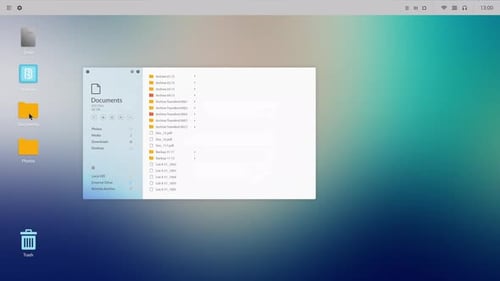
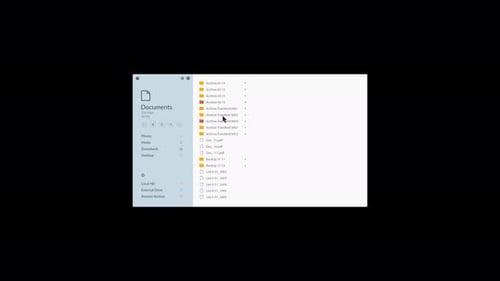
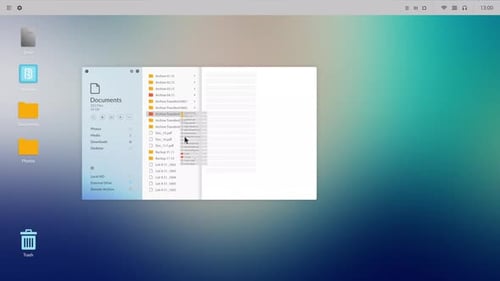
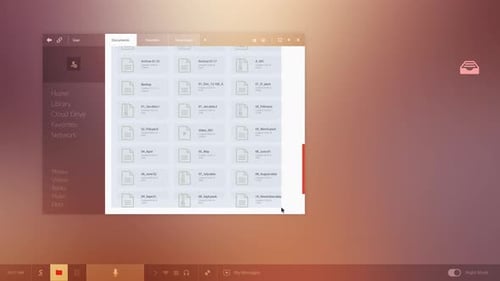
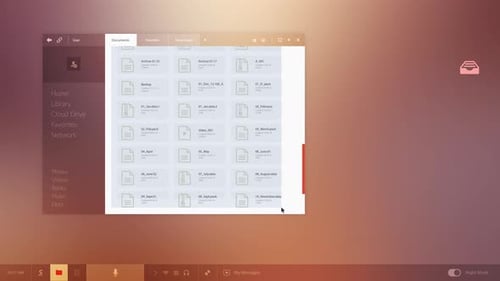
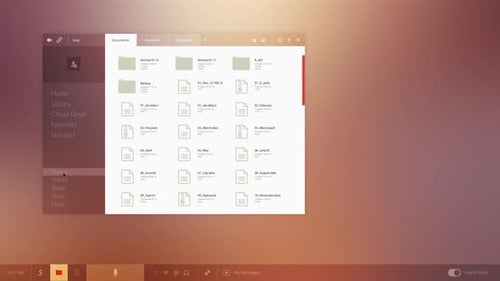
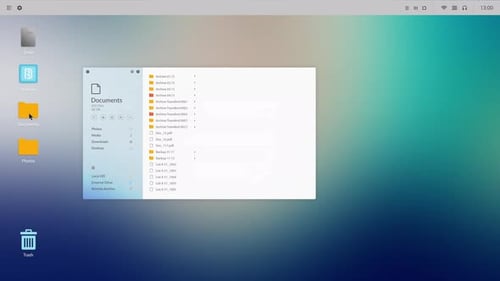
This animation showcases a responsive graphical user interface in action, simulating a desktop file explorer. The clean, modern window demonstrates typical user interactions such as opening, closing, and resizing. A mouse cursor smoothly navigates through various folders and files, highlighting selections and revealing a context menu with options like 'Open,' 'Cut,' 'Copy,' and 'Delete.' This visual effect is ideal for illustrating software functionality, explaining data management processes, or enhancing presentations focused on technology and business. It provides a professional and engaging way to convey digital interactions within a contemporary desktop environment, making it suitable for corporate videos, tutorials, and app demonstrations.