Flat Design Settings Gear and Control Sliders Icon Animation
By the_imgOne great value subscription from €14.50/month
- Unlimited downloads of 27+ million creative assets
- AI Tools: video, image and more
- Lifetime commercial license
- Easy cancellation
Already have an account? Sign in
Attributes
- Length
- 0:02
- Resolution
- 1920 x 1080
- File Size
- 1.18 MB
- Frame Rate
- 29.97 fps
- Alpha Channel
- No
- Looped
- Yes
- Video Encoding
- H.264
- Orientation
- Horizontal
- Commercial License
- Further Information
Description
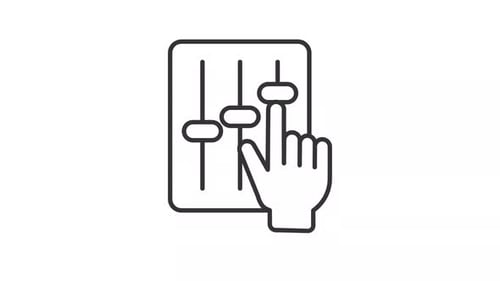
This animated clip features a clean, flat design icon representing settings and customization. A blue gear smoothly rotates into view from the left, accompanied by a light blue control panel that slides in from the right. The panel displays four horizontal sliders which then subtly animate, moving up and down to indicate adjustment. This motion graphic is ideal for visually communicating concepts like system configuration, preferences, options, or technical adjustments in explainer videos, presentations, or user interface demonstrations. Its minimalist style and clear animation make it a versatile asset for technology-focused content.